Owners
What is happening across the program?
A clearer reference for reviewing progress across locations and dates.
 Discuss a demo
Construction Visual Intelligence
A clearer way to connect construction imagery, context and the decisions that move a project forward.
The difference is context
Construction generates images every day. The value comes when people can place each view in context and understand what needs attention.
01 — 02Five connected layers
The client brief describes a connected path from site visibility to project understanding. What is available for a particular deployment must be confirmed with WideLapse.
Begin with consistent visual views of the site.
Bring those views into a project-appropriate connection.
Organize imagery into a record people can revisit.
Add selected interpretation where the capability is verified.
Give people clearer evidence for the next decision.
The center of the record
The client brief describes site views, dated records and project context in WideLapse Cloud. The actual interface and available workflows need a product walkthrough.
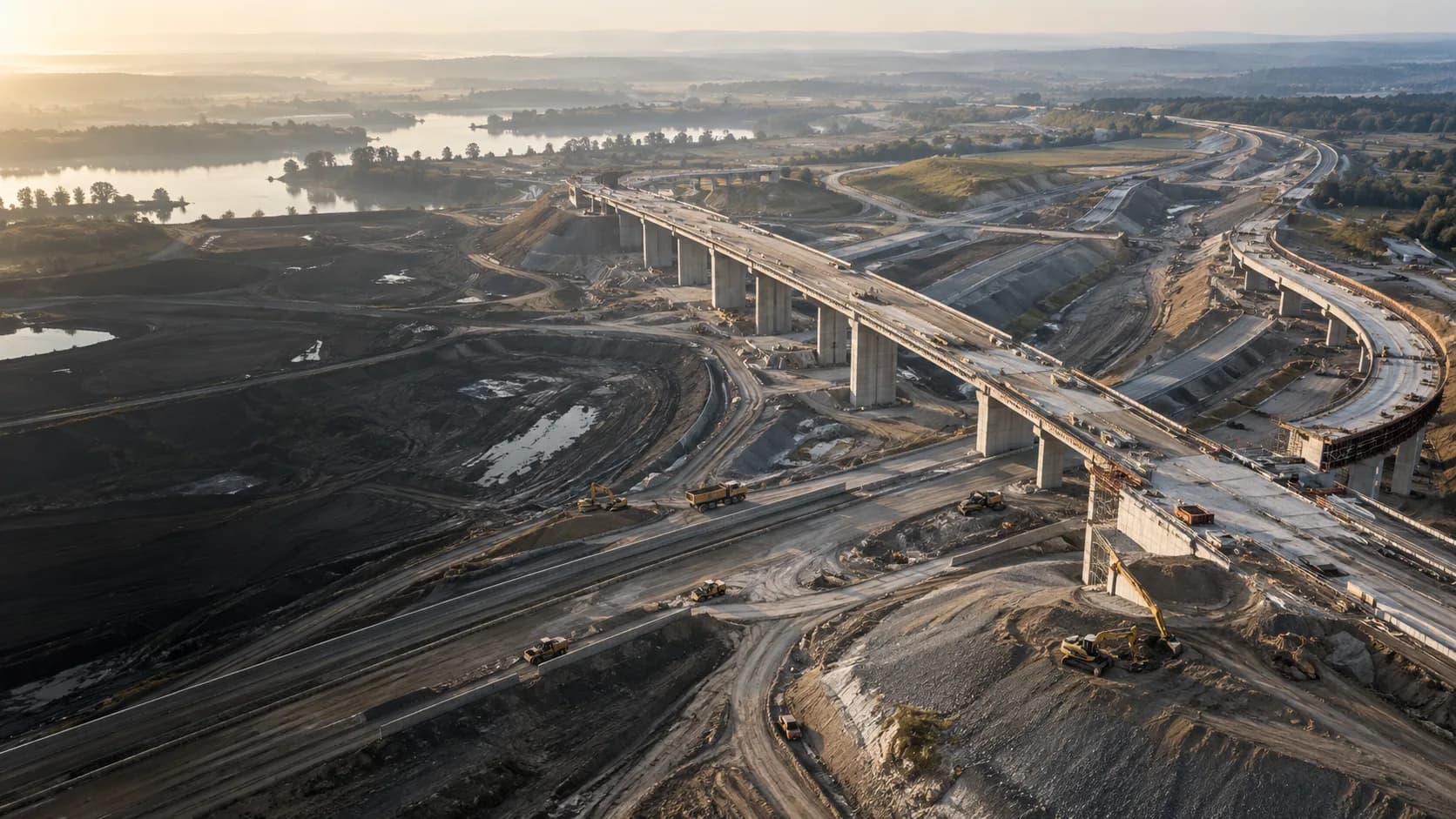 ILLUSTRATIVE IMAGERY
Bounded analysis
Selected analysis is described in the client brief. Its current coverage, accuracy and review workflow have not been demonstrated. Human judgment remains essential.
Discuss capability scope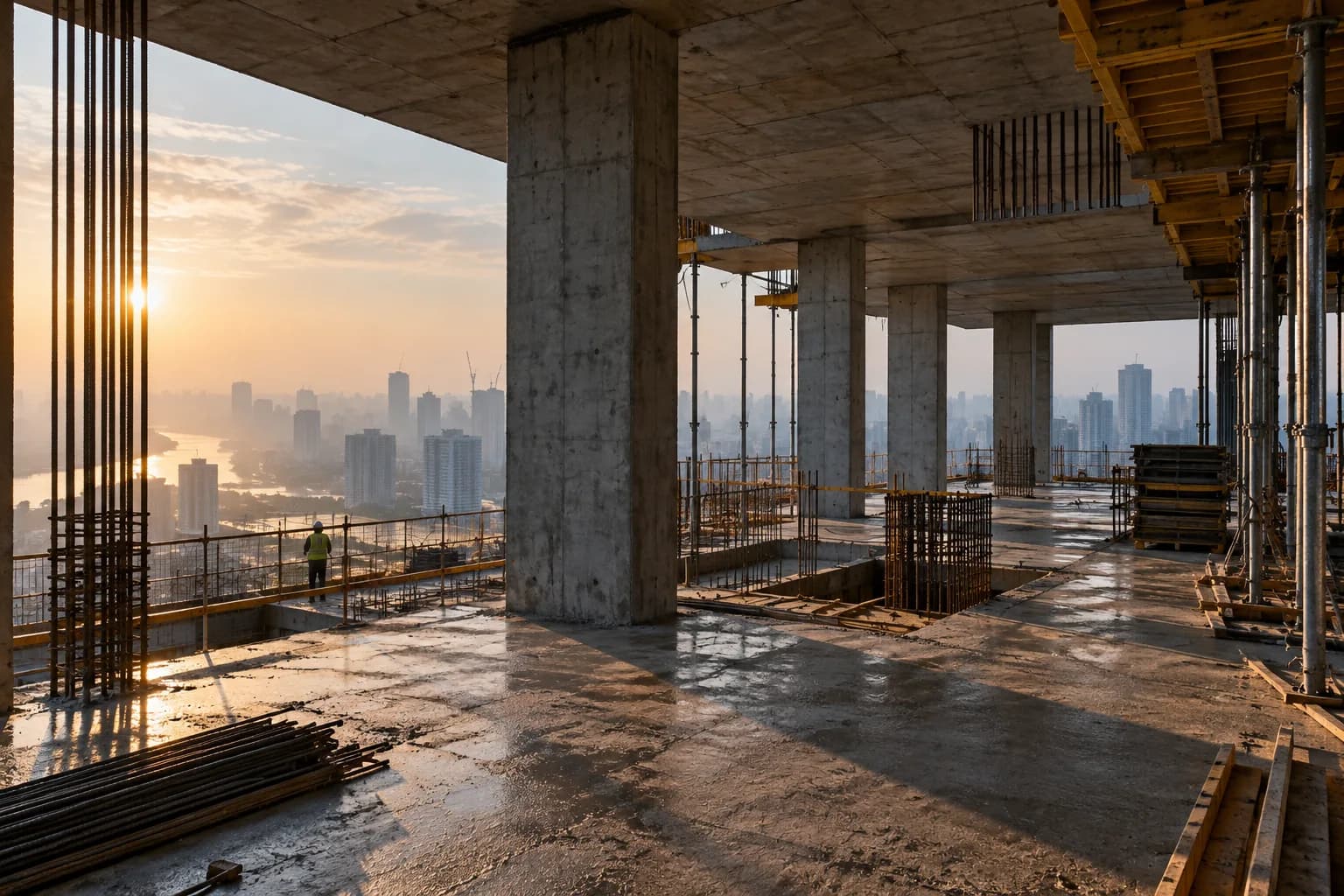 ILLUSTRATIVE IMAGERY · NO PRODUCT OUTPUT
This interaction explains the editorial idea. A real AI example needs an owner-approved source frame, demonstrated output and clear limits.
The value of a dated view
A useful comparison begins with the same viewpoint, known dates and a question worth answering. Only then can people read change with confidence.
Keep the viewpoint consistent.
Give every frame its context.
Let people compare the evidence.
Beyond a single frame
The brief describes fixed and PTZ viewing, 360 capture and aerial imagery. The right mix depends on site conditions and a confirmed deployment scope.
 ILLUSTRATIVE IMAGERY
Return to a chosen site perspective. Camera and viewing capability depend on the deployment.
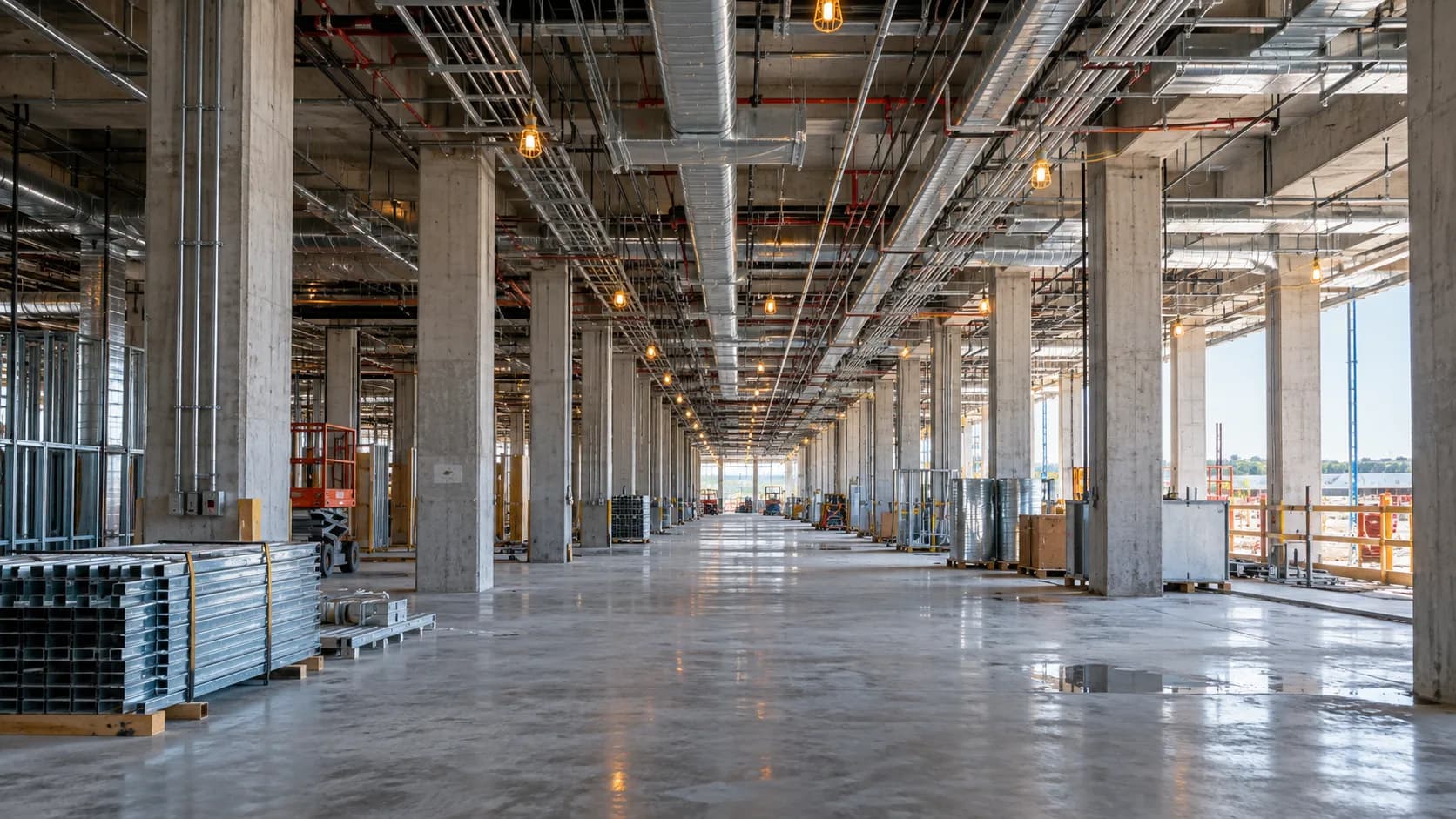 ILLUSTRATIVE IMAGERY · NOT 360 CONTENT
Give teams spatial context. A real navigable sample is needed to show the viewer.
ILLUSTRATIVE IMAGERYExtend the view across a site. Drone mapping and orthomosaics are project-specific.
Different responsibilities, shared clarity
A clearer reference for reviewing progress across locations and dates.
A dated visual record to support inspection and project conversations.
A shared viewpoint to help coordinate work and communicate conditions.
A range of project environments
ILLUSTRATIVE IMAGERY · NOT A WIDELAPSE PROJECTBefore a proposal
A useful visual record starts with the views, site conditions, people and evidence needs. These questions help frame a project-specific conversation.
Which locations and work fronts need a visual record?
What power, network and mounting conditions shape capture?
Who needs to review the record, and for which decisions?
What dates, outputs and approvals would make the story useful?
Bring the project into focus
Tell WideLapse what you need to see, where the work is happening and how your team would use the record.
Prototype contact route. The owner has not yet confirmed a demo or proposal booking destination.